Screenshot.
Annotate. Ship.
Without ever leaving your tab. Most screenshot tools stop at the capture. SnapFrame takes you all the way — full-page grabs, pixel-perfect annotation, social-ready resizing, and client-ready exports, all inside your browser.
No account required to start. 3 free exports, no card.
Five tools. Fifteen minutes. For one image.
You screenshot a webpage. Then you open a second tool to crop it. A third to annotate it. Then you resize it for wherever it's going, export, re-import, and finally send.
Screenshots are supposed to be fast. Somewhere along the way, they stopped being fast.
One extension, start to finish
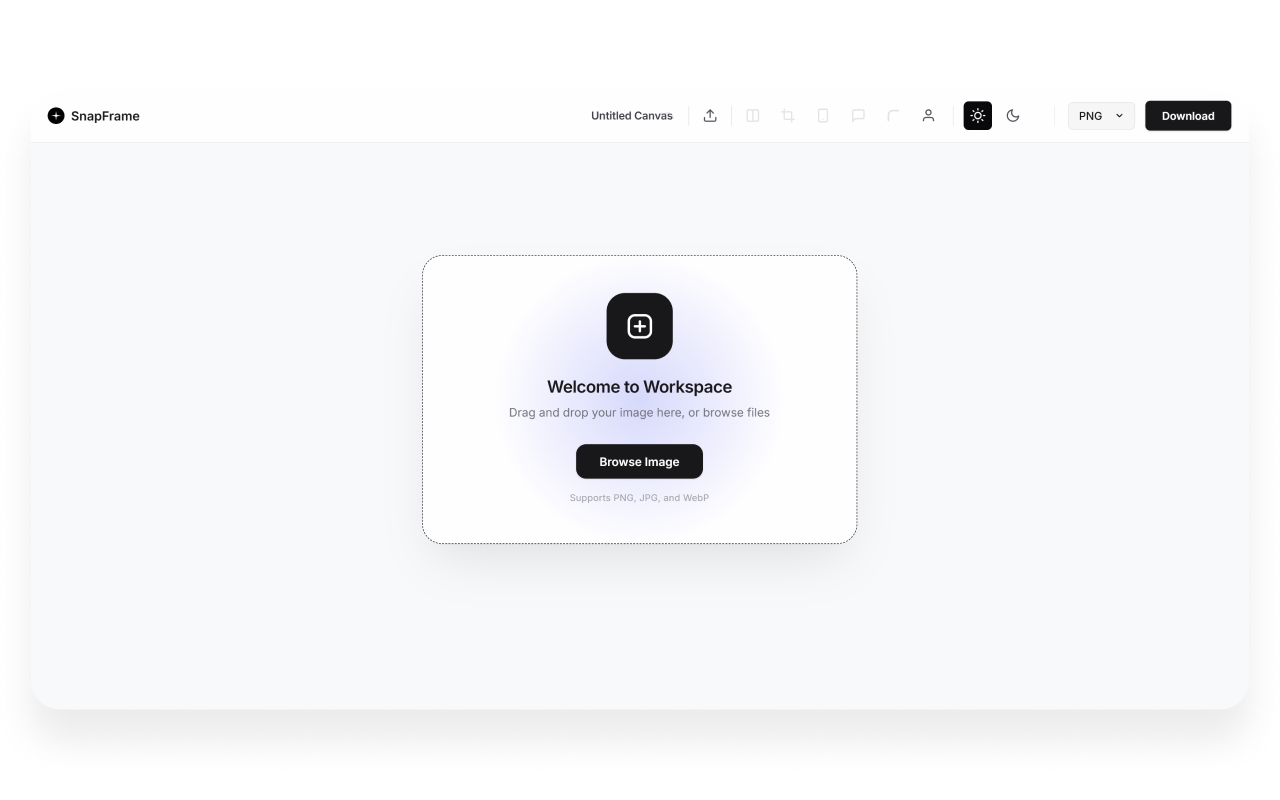
SnapFrame collapses the whole chain into the tab you're already in. Capture, edit, annotate, resize, and export — no app to open, no file to re-upload, no tab-hopping.
It's not a screenshot tool with extra steps bolted on. It's the entire workflow, in one place.
Capture anything, cleanly
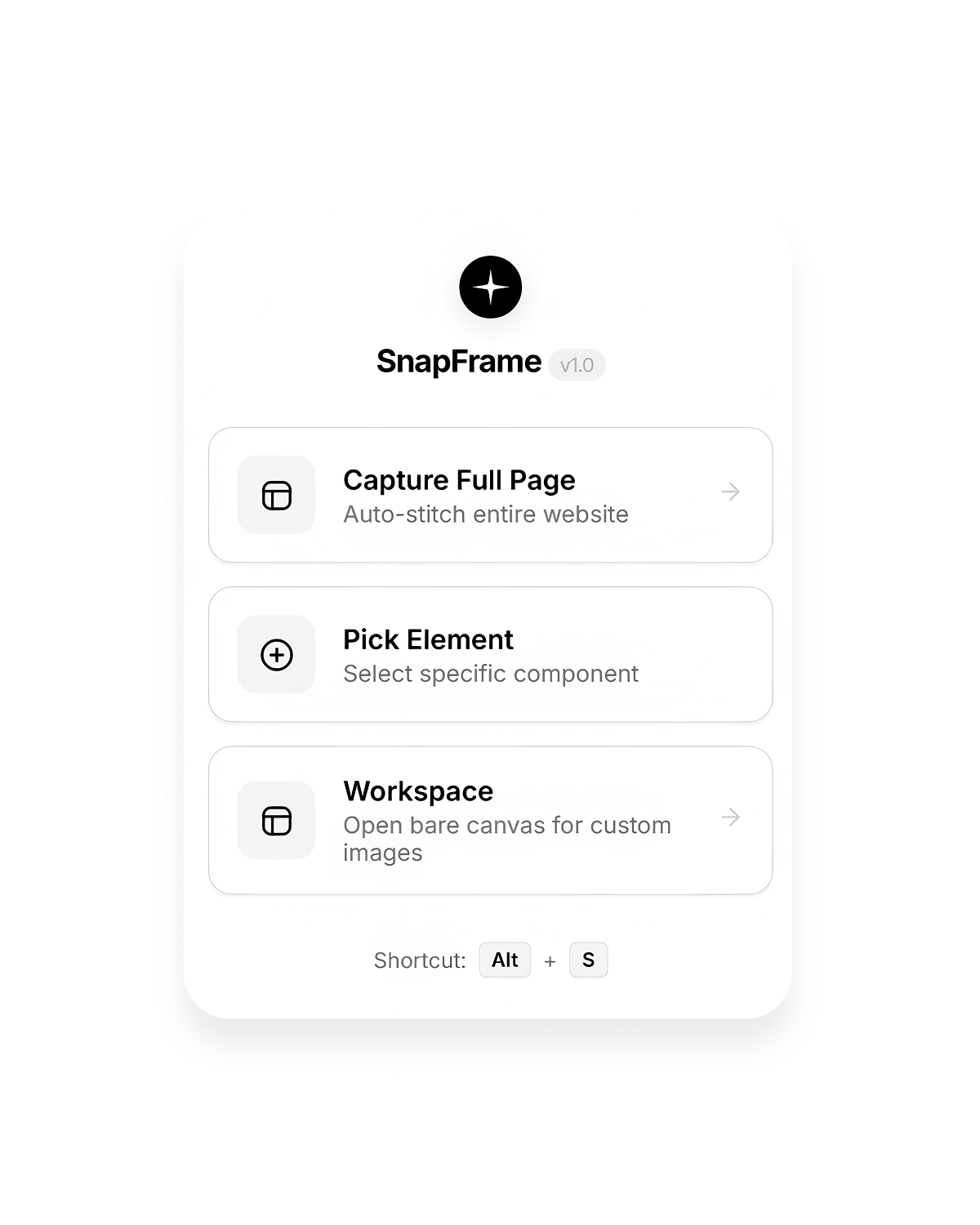
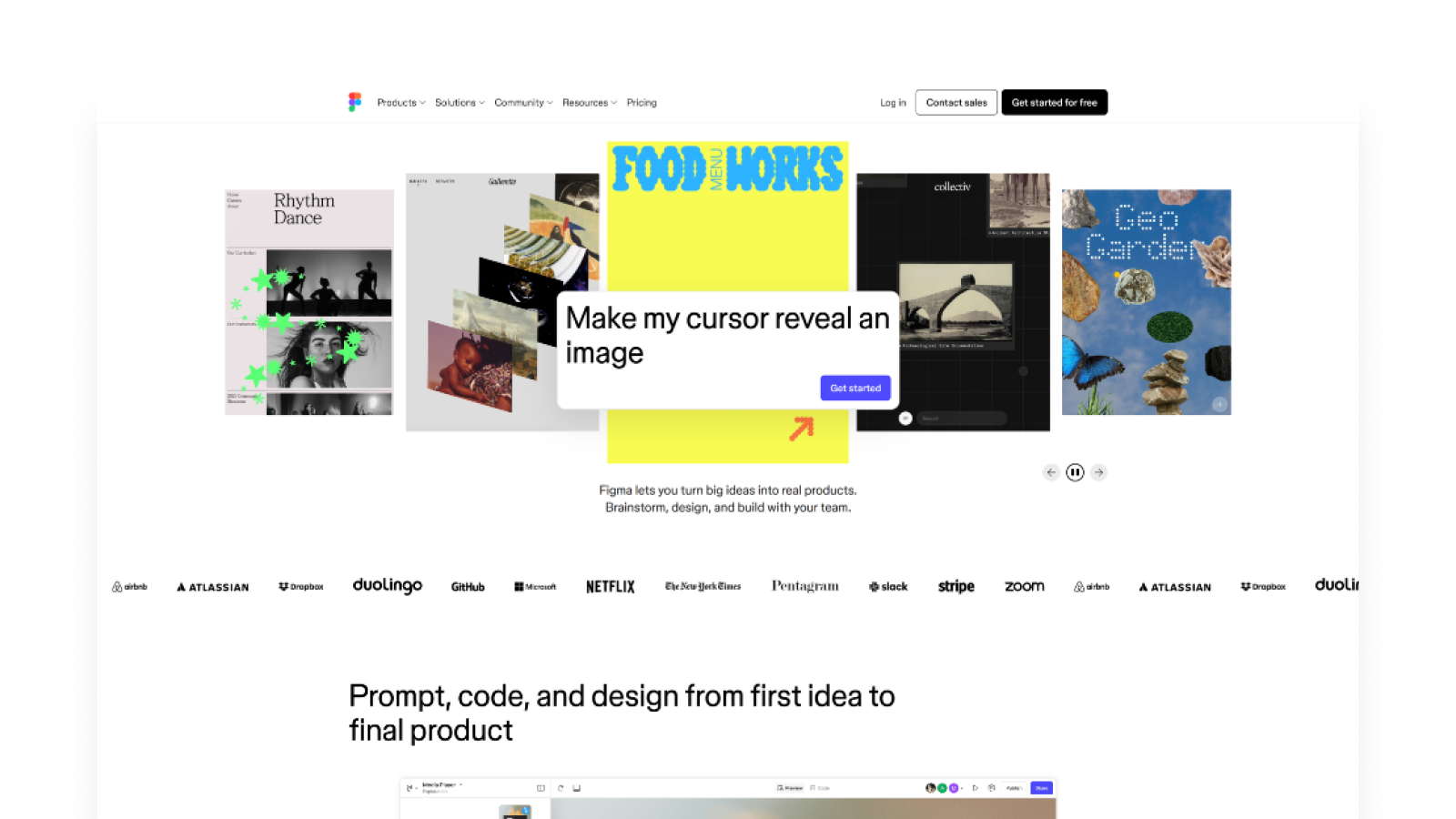
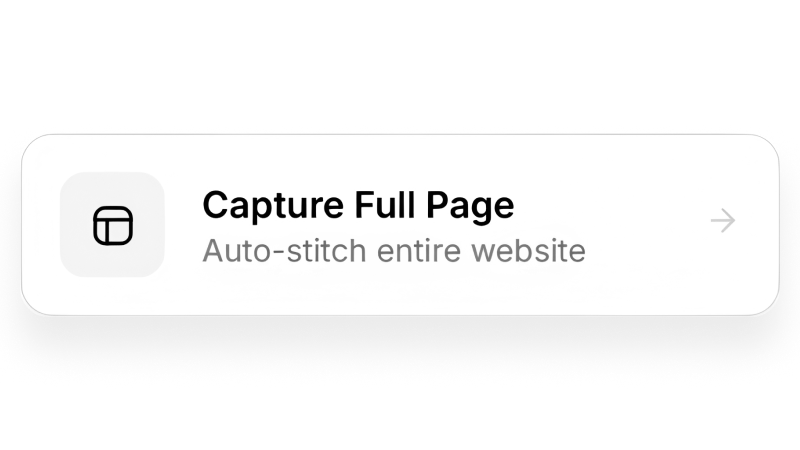
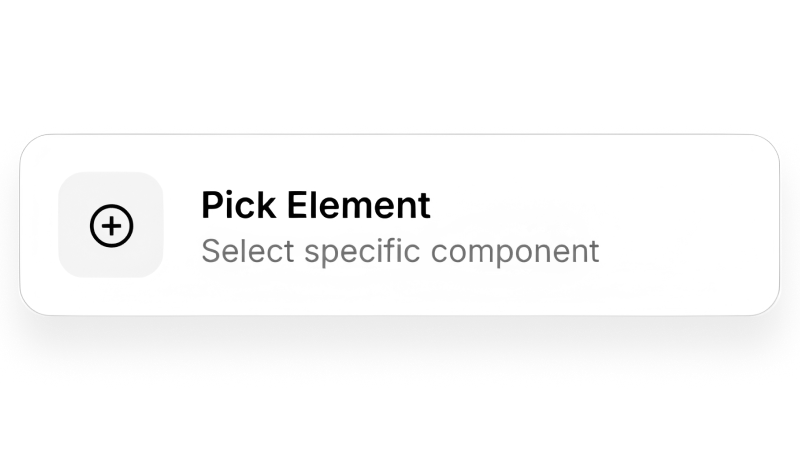
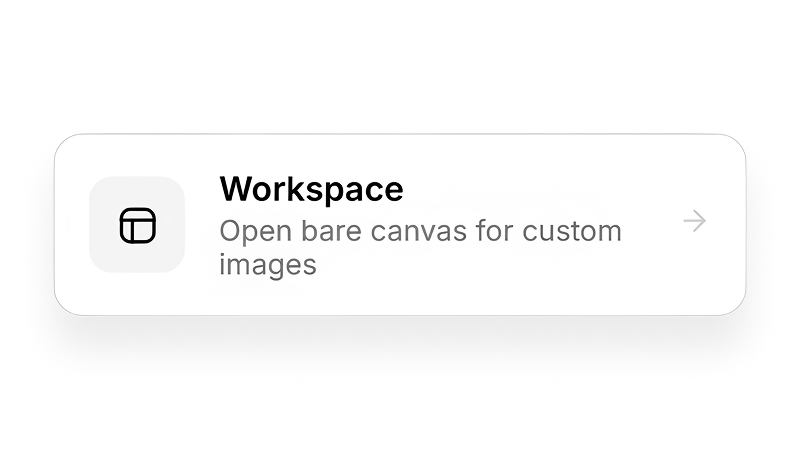
Auto-stitch an entire page into one seamless screenshot — no scrolling, no manual piecing. Need just one component? Pick the exact element and grab only that. Or open a blank workspace and drop in your own PNGs, JPGs, and WebPs.
Hit Alt + S and you're capturing instantly.
Mark it up like you mean it
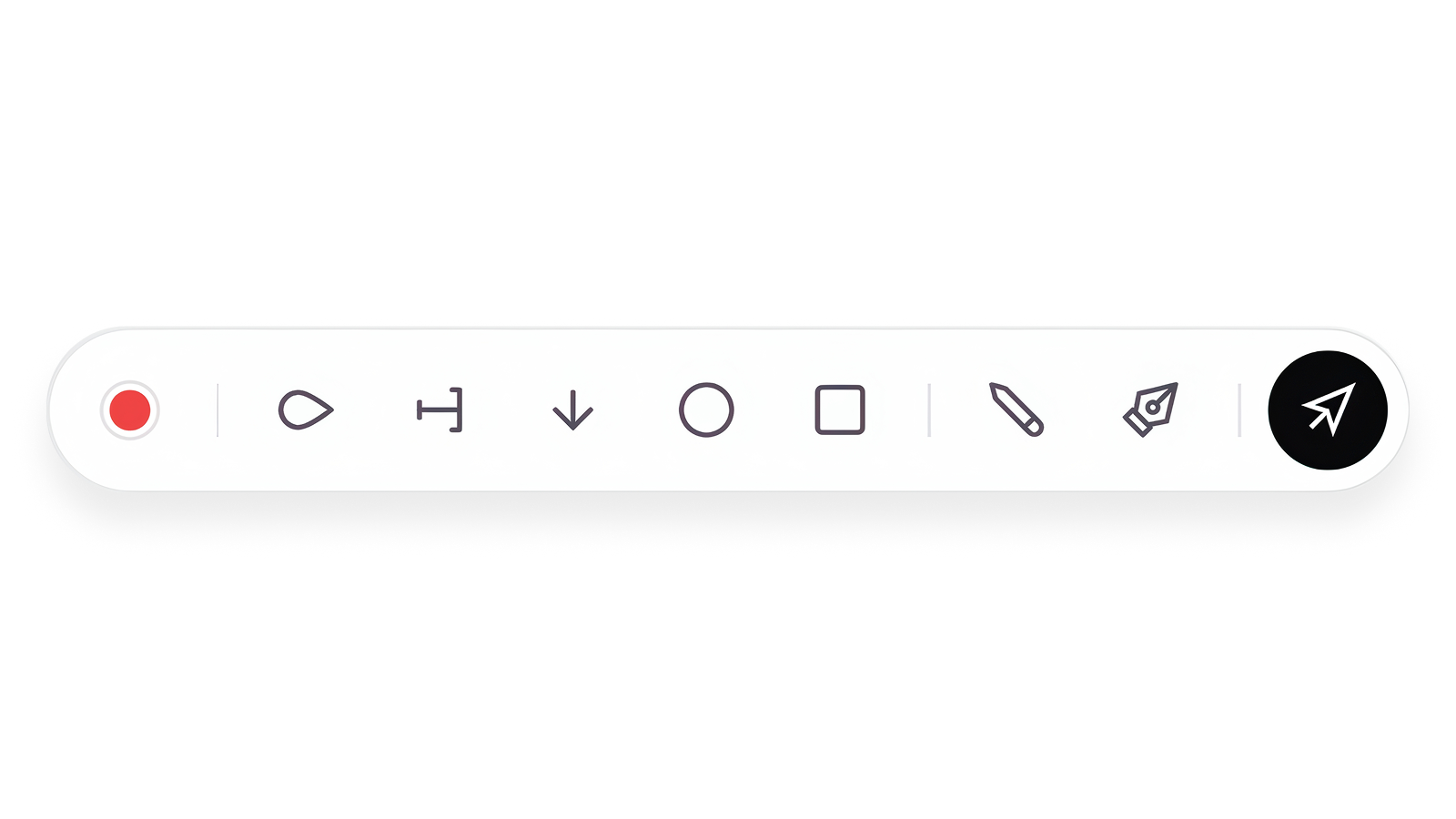
Pen, marker, arrows, rectangles, circles, and text — with smoothed curves and clean arrowheads. Place text exactly where you want it and edit it inline.
Need to hide a price, an email, or client data? Drag a blur box over it and redact in one move.




One capture, every platform
Resize for Instagram, TikTok, X, LinkedIn, Facebook, Pinterest, Threads, Snapchat, and YouTube thumbnails — plus print and email-header presets — without leaving the editor. Smart focal points keep the important part of your image in frame every time.
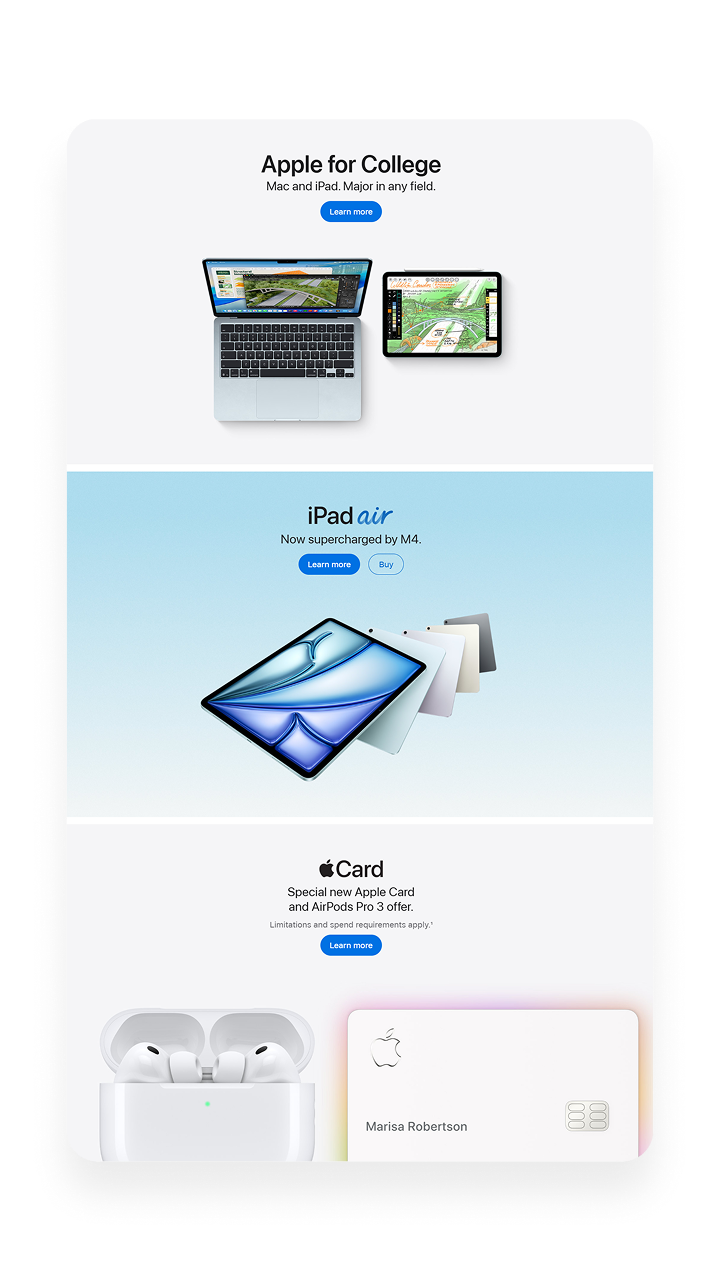

The little touches that make it look intentional
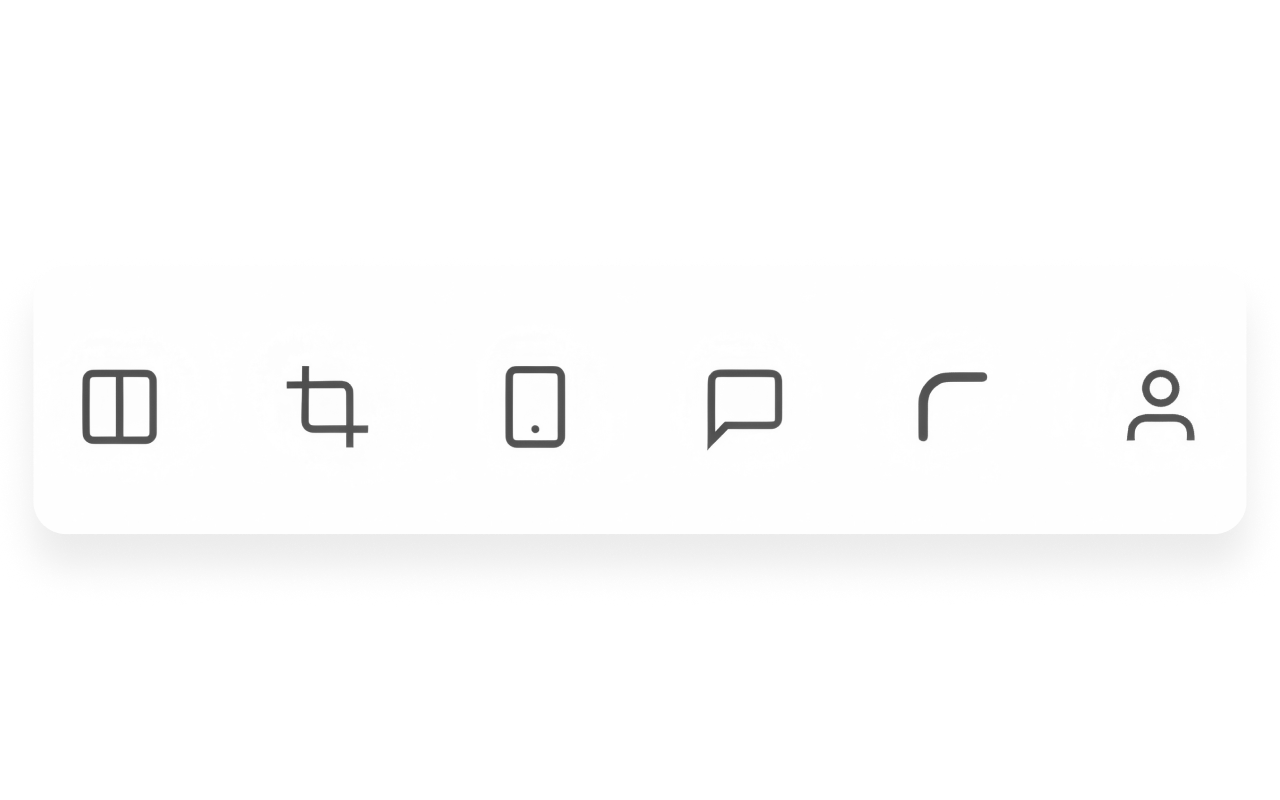
Crop freeform or to preset ratios. Round the corners. Add a clean source label, custom caption, or capture-date bar.
The difference between a raw screenshot and something that looks like you meant to send it.




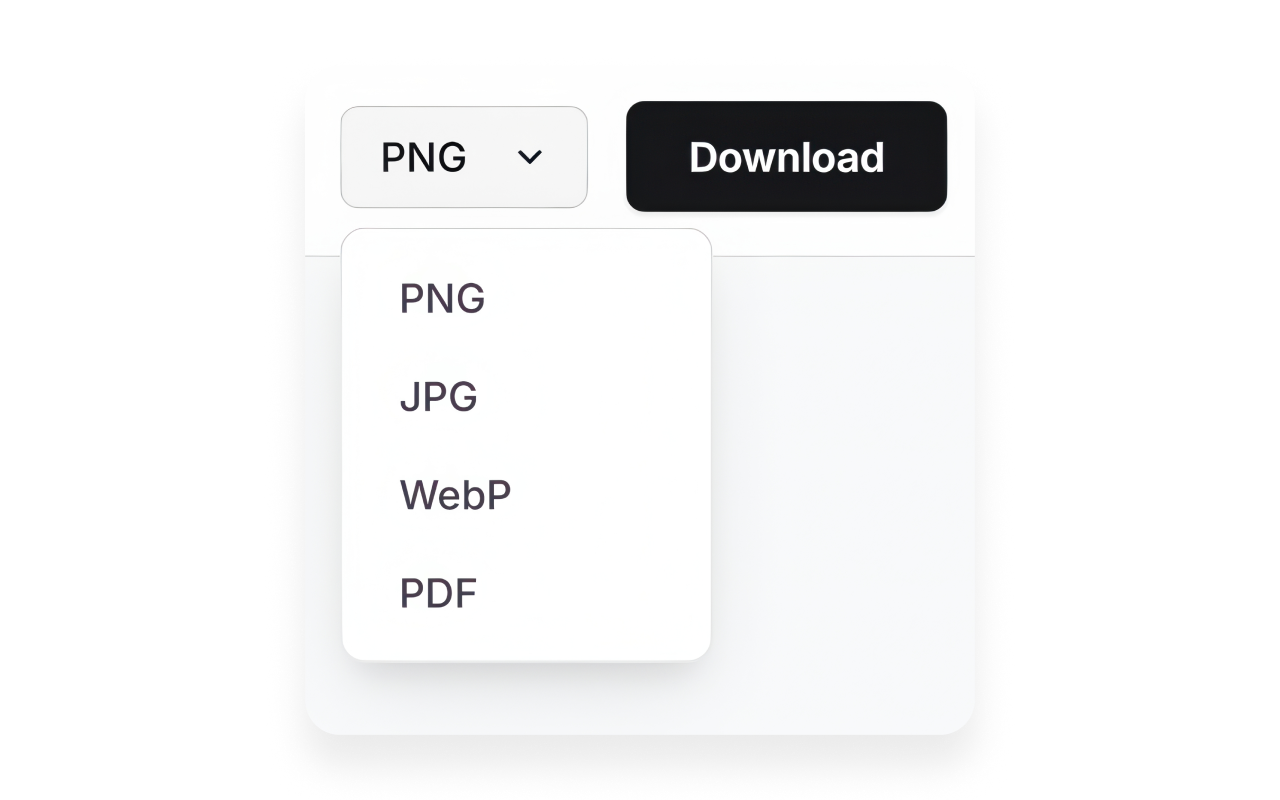
Export it your way
Your finished image, composited with every edit baked in, ready to drop into a deck, a DM, or a client email.
Built for people who live in screenshots

Designers & developers
Marking up bugs and reviewing UI without a clunky desktop app.

Marketers & social managers
Turning one capture into a week of platform-ready posts.

Freelancers & agencies
Sending clean, annotated visuals that look like you cared — because you did.

Everyone else
Anyone tired of bouncing between four tabs to send one annotated image.
Why SnapFrame over everything else
Other extensions capture and quit — you're on your own for the editing. Desktop editors are powerful but heavy, slow to open, and disconnected from your browser. Online editors mean uploading, waiting, and trusting a server with your screenshots.
SnapFrame keeps everything where you're already working. Full-page stitching that actually looks seamless. A real annotation suite, not three colors and a pen. Every social size built in. And it renders at your screen's native resolution, so even oversized full-page captures come out sharp.
The only tool that does the whole job, where you're already doing the work.
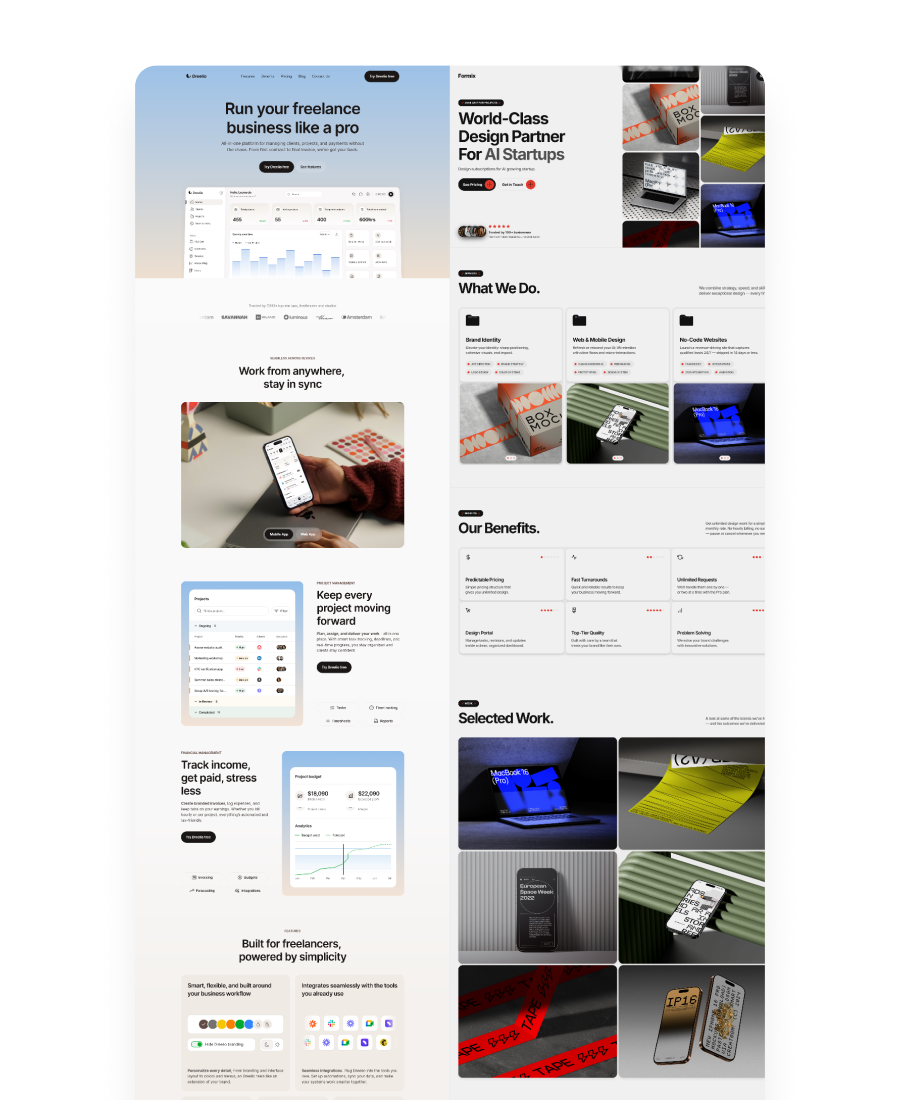
Up and running in seconds
Add SnapFrame to Chrome
One click, no account needed.
Capture
Full page, one element, or your own upload.
Edit, annotate, resize, export
Done.
Start free. Go Pro when you're ready.
No credit card to start. Upgrade once for unlimited exports, the watermark gone, cloud sync, and every Pro tool — billed your way.
No sign-up or card required to start.
- 3-export lifetime limit
- Full-page & element capture
- Full annotation suite
- Social resize presets
- PNG, JPG, WebP export
- "Captured by SnapFrame" watermark
- Local-only storage
- No PDF, comparison, or cloud
Own every Pro feature for life — no renewals, ever.
- Everything in Pro, forever
- One-time payment — no renewals
- Unlimited lifetime exports
- High-fidelity PDF + comparison
- 10GB cloud storage + sync
- Up to 2 concurrent devices
- All future Pro updates included
Every Pro feature, billed your way. Cancel anytime.
- Unlimited lifetime exports
- Watermark removed
- High-fidelity PDF export
- Side-by-side comparison stitcher
- 10GB cloud storage + sync
- Up to 2 concurrent devices
- Full collaborative review portal
Free vs Pro — full breakdown
| Capability / Tool | Free Tier | Pro Tier (Monthly / Yearly / Lifetime) |
|---|---|---|
| Full-page & viewport capture | Included (stops at limit) | Unlimited |
| Visual element picker | Included (stops at limit) | Unlimited |
| Smart crop & aspect ratios | Included (stops at limit) | Unlimited |
| Global Alt+S shortcut | Included (stops at limit) | Unlimited |
| Canvas zoom & controls | Included | Included |
| Annotations (pens, markers, text, shapes, blur) | Included | Included |
| Crop & social resizer presets | Included (stops at limit) | Unlimited |
| Dynamic rounded corners & captions | Included (stops at limit) | Unlimited |
| Export formats | PNG, JPG, WebP | PNG, JPG, WebP + high-fidelity PDF |
| Export limits | Strict 3-export lifetime limit | Unlimited lifetime exports |
| Branding watermark | Stamped ("Captured by SnapFrame") | No watermark (branding removed) |
| Side-by-side comparison stitcher | Not included | Included (compare & stitch dual images) |
| Cloud synchronization | Local-only storage | Supabase auth profile sync |
| Concurrent device protection | Single-device only | Max 2 active machines |
| Collaborative review portal | Pins & text comments | Pins + full annotation suite |
| Cloud storage quota | Local only (0GB) | 10GB premium (free cloud tier: 1GB) |
| Multi-state deletion controls | Not included | Included (cloud wipe vs local list clear) |
Stop tab-hopping for one screenshot
Capture, polish, and ship — all in your browser, all in SnapFrame.
Add to Chrome — FreeStart free. No account, no card, no catch.